Skip to content
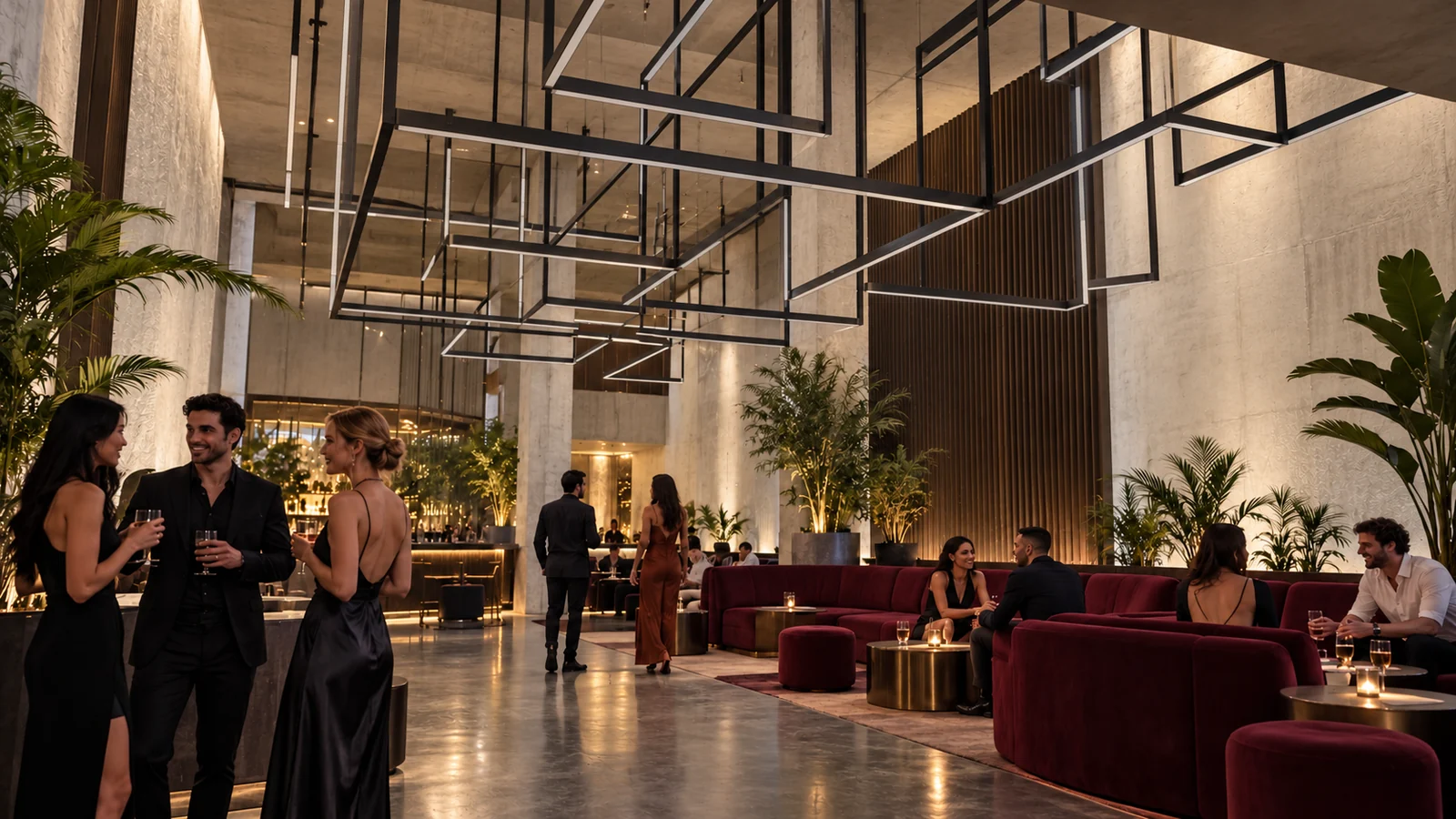
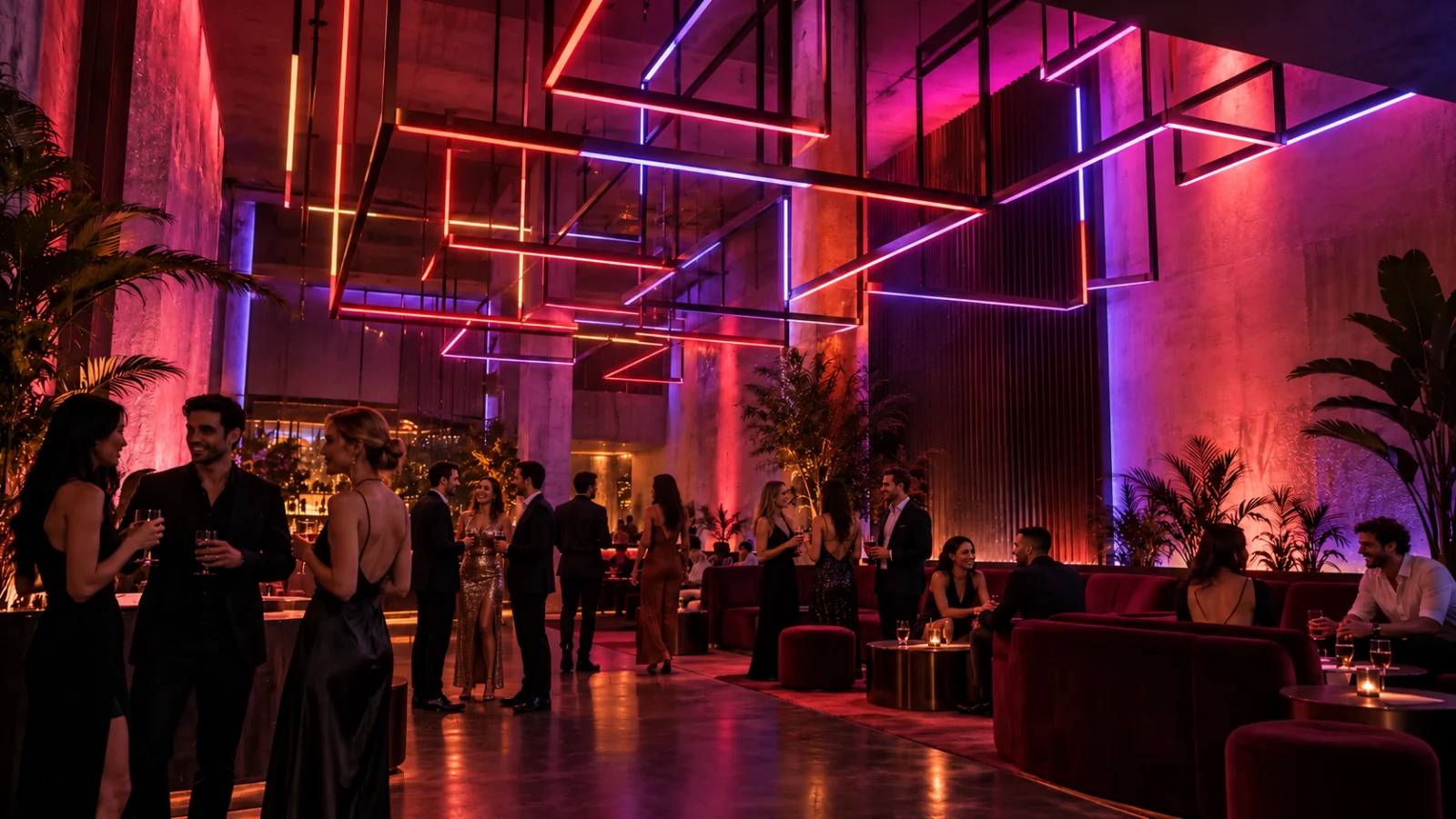
People socializing beneath dimensional rectangular light structures in a club, with expressive colored lighting and more people in the space

Loomx Sense · for Mac

Light that moves like life does.

Sense is the easiest, cheapest and fastest way to set up a dynamic lighting installation. It finds your Loomx Forms, maps every light into a picture of your room, and plays Looms across all of them live, as one piece.

Finds your Forms automatically Room mapping that matches every LED AI-generated Looms

Why dynamic light

Light changes how a space feels.

Researchers have studied light and color for decades. One room can be lively at night, easy in a class and charged for a workout, and dynamic light lets it be all three.

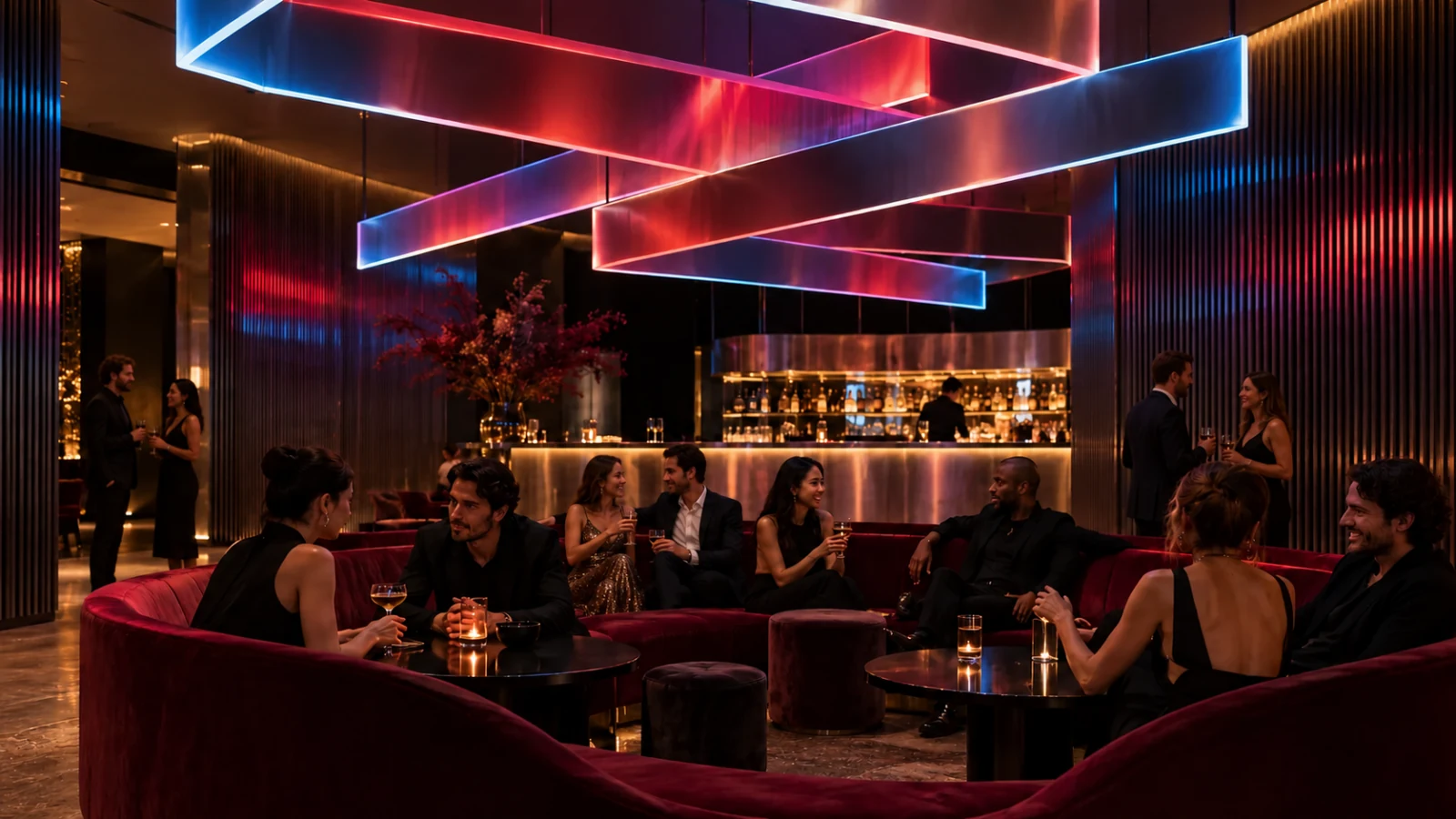
Friends in a lounge beneath a suspended dimensional lighting composition, with expressive colored lighting and more people in the space

Hospitality · Social energy

Feel it together.

Color that fills the room. Energy that brings people into it.

In studies of retail spaces, added display lighting kept shoppers at displays longer and handling more items[1], and brighter light led shoppers to examine more products[2]. Color itself can shape how people feel and act[3].
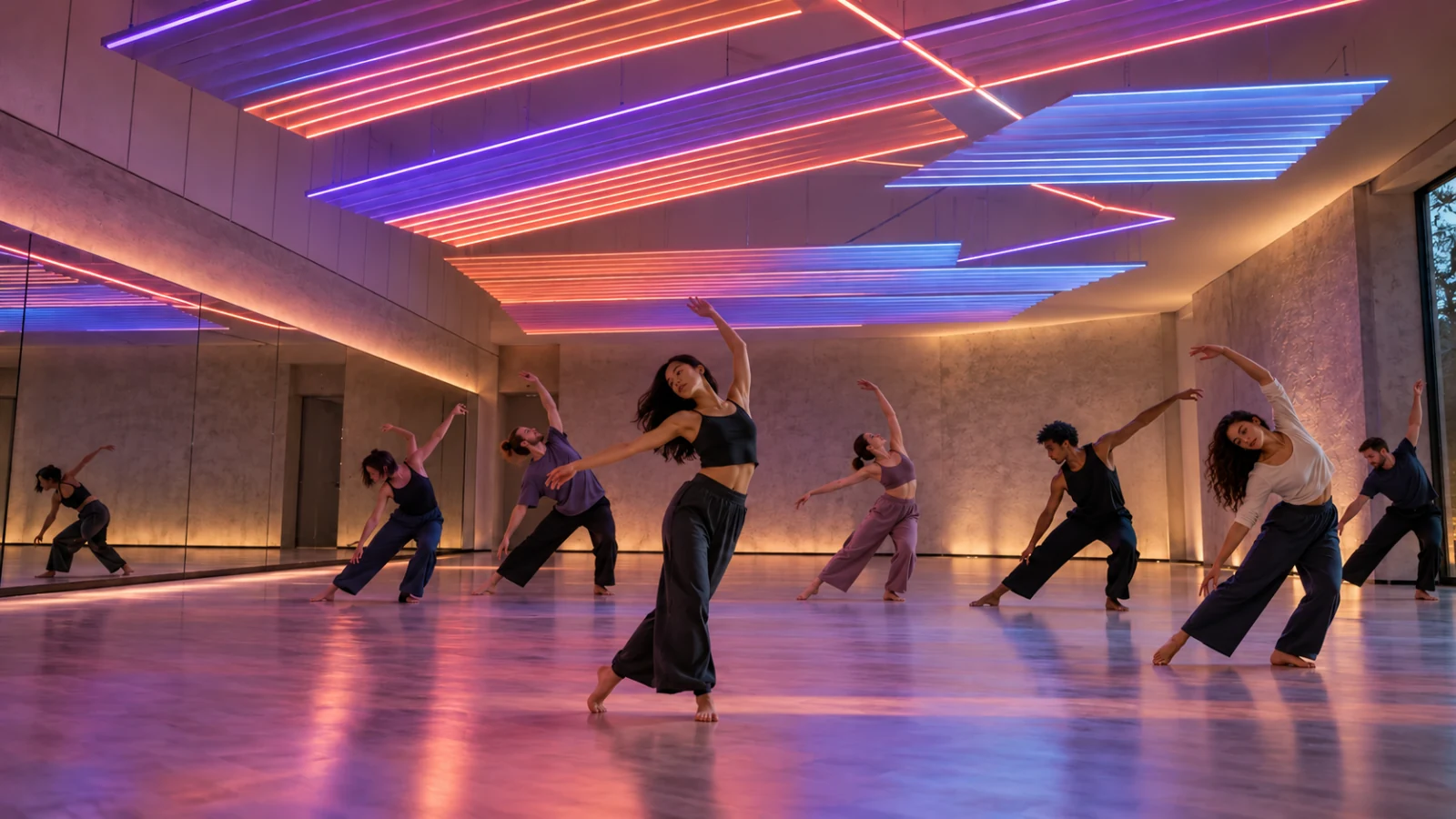
Dancers practicing in a movement studio beneath layered linear lighting, with expressive colored lighting and more people in the space

Movement · Mood

Make room to move.

From a quiet flow to a burst of energy. Let the room move with you.

Light and mood is one of the most researched links in light science[4], and a study in Science found blue backgrounds helped people on creative tasks[5]. Sense isn't a therapy device; it sets the mood.

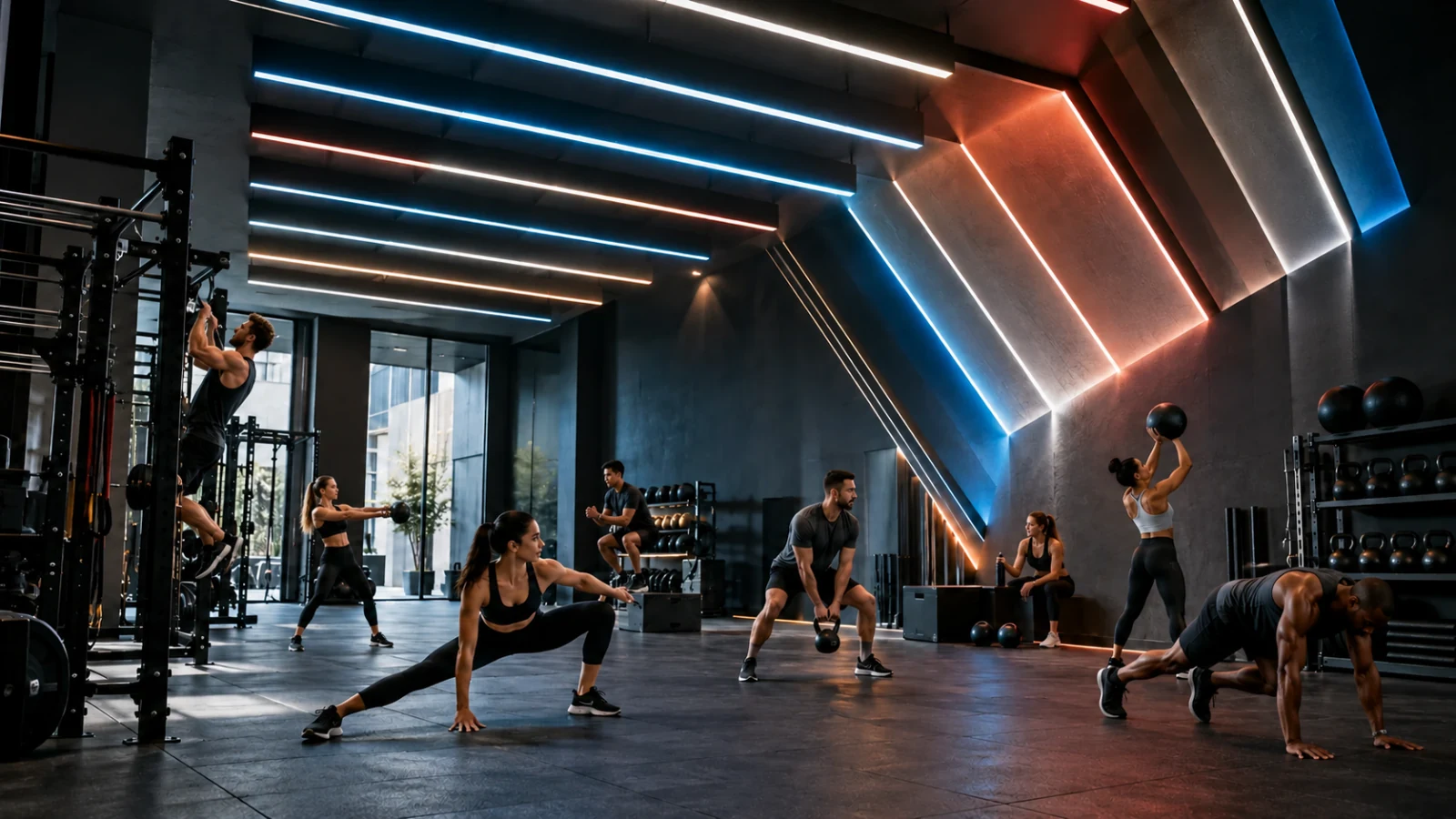
Athletes training beneath linear ceiling and wall lights in a boutique gym, with expressive colored lighting and more people in the space

Fitness · Focus

Find another gear.

Give every session a setting that feels as alive as the people in it.

Light has measurable alerting effects[6]; blue-enriched white light improved self-reported alertness and concentration at work[7], and a dynamic "focus" lighting setting was linked to bigger gains in a classroom study[8].

Sources (8)
  1. Summers TA, Hebert PR. Shedding some light on store atmospherics: influence of illumination on consumer behavior. Journal of Business Research. 2001;54(2):145–150. doi.org/10.1016/S0148-2963(99)00082-X
  2. Areni CS, Kim D. The influence of in-store lighting on consumers' examination of merchandise in a wine store. International Journal of Research in Marketing. 1994;11(2):117–125. doi.org/10.1016/0167-8116(94)90023-X
  3. Elliot AJ, Maier MA. Color psychology: effects of perceiving color on psychological functioning in humans. Annual Review of Psychology. 2014;65:95–120. doi.org/10.1146/annurev-psych-010213-115035
  4. Lam RW, Levitt AJ, Levitan RD, et al. Efficacy of bright light treatment, fluoxetine, and the combination in patients with nonseasonal major depressive disorder: a randomized clinical trial. JAMA Psychiatry. 2016;73(1):56–63. doi.org/10.1001/jamapsychiatry.2015.2235
  5. Mehta R, Zhu RJ. Blue or red? Exploring the effect of color on cognitive task performances. Science. 2009;323(5918):1226–1229. doi.org/10.1126/science.1169144
  6. Cajochen C. Alerting effects of light. Sleep Medicine Reviews. 2007;11(6):453–464. doi.org/10.1016/j.smrv.2007.07.009
  7. Viola AU, James LM, Schlangen LJM, Dijk D-J. Blue-enriched white light in the workplace improves self-reported alertness, performance and sleep quality. Scand J Work Environ Health. 2008;34(4):297–306. doi.org/10.5271/sjweh.1268
  8. Mott MS, Robinson DH, Walden A, Burnette J, Rutherford AS. Illuminating the effects of dynamic lighting on student learning. SAGE Open. 2012;2(2). doi.org/10.1177/2158244012445585

This is not medical advice. Loomx Sense is a lighting product, not a medical device, and is not intended to diagnose, treat or prevent any condition. The studies above describe their own conditions, not Loomx products. Scene images are lighting concepts; the people in the lit scenes were added with image generation.

See the difference

Same space. Different energy.

Drag the slider, or use the arrow keys, to compare ordinary light with the same room in motion.

People socializing beneath dimensional rectangular light structures in a club, with expressive colored lighting and more people in the space People socializing beneath dimensional rectangular light structures in a club, under neutral lighting

Feel it together.

Color that fills the room. Energy that brings people into it.

Lighting concepts. The lit side also has more people in the room. Drag or use arrow keys to compare.

Our story

Made for what light can do.

We created Loomx out of a passion for what lighting can do.

With over 10 years working on lighting products, designs and venues across the US, we're chosen by clients for our deep connection with them and for unlocking the full potential of their space.

We love how lighting design, color and rhythm set exactly the vibe you're after. We make it happen.

  • 10+ yearsin lighting
  • Products, designsand venues
  • Across the USclient work

How it works

From box to light show in four steps.

No lighting desk or programming. Sense walks you through every step and shows you exactly what your lights will do before they do it.

  1. Step 01

    Connect your Form

    Plug in your lights and power the Form. On first setup it makes its own Wi-Fi network, "Loomx Node". Join it and connect the Form to your Wi-Fi.

  2. Step 02

    Let Sense find it

    Open Sense on your Mac. Setup finds and checks your Forms, then each one flashes so you can identify it, place it and name it.

  3. Step 03

    Map your room

    Map on the Form, or in Sense, where every strand is drawn onto a picture of your room. Select and group lights, and adjust anything by hand.

    AI mapping from photos: coming soon
  4. Step 04

    Play a Loom

    Pick a Loom from your library, or describe a look in words and generate one with AI. Go Live and the room matches the preview on screen.

In Sense: Find → Check → Identify → Place → Name → Done, then Mapping and Live.

Documentation

Everything you need to know.

Short answers, in plain language. More detailed guides will follow as Sense moves toward release.

Standalone and Connected

Every Form can run on its own or with Sense. You choose per Form, and you can hand control back and forth at any time.

Standalone

The Form plays its own Looms with no computer. Control it from the Form's own page or from the Loomx phone app.

Connected to Sense

Sense streams to the Form live, so every Form in the room plays one pixel-mapped Loom together. The Form shows "Receiving data from Sense".

Switching to Sense

In Sense, choose Control with Sense on a Form. Sense takes it over and starts streaming.

Taking control back

Press Stop on the Form to return it to Standalone. Sense notices and offers to reconnect.

Choosing a mode during first setup is coming soon. When idle, Forms rest on a smooth, dim blue, never harsh white.

One account, every app

One Loomx account works across Sense, Loomx Studio, the Loomx phone app and your Forms.

Your Loom library follows you

Looms are saved to your account, so a Loom you make on your phone shows up in Sense's library automatically, with a thumbnail and Play button.

No account? No problem.

Sense also works without an account and keeps everything on your Mac.

Coming soon

  • Signing a Form in to your account
  • Uploading Looms to a Form
  • Community sharing of Looms

Mapping your space

Mapping tells Sense where each light sits in your room, so a Loom flows across the space the way you see it.

On the Form

The main way to map. Each Form maps its own lights.

In Sense

The Mapping page shows your room with every light strand drawn onto it. The color of the Loom under each light is exactly what that LED shows.

Select and group

Select lights and group them so you can move and adjust them together.

From photos or video Coming soon

Upload photos or a video of your space and let AI place your lights. Every automatic map stays fully editable by hand.

Looms and AI generation

A Loom is an animated light design. Sense plays it across all your Forms at once, as one picture.

Library

Browse your Looms with thumbnails and press Play. Looms you make on any Loomx app appear here.

AI-generated Looms

Describe a look in words, like "slow ocean light, deep blue to teal", and AI generates a Loom for you.

Live control

Preview first, then go Live. Adjust speed, brightness and hue on the fly, and save scenes. What you see on screen is what the room shows.

Describe a look.In Sense you make a Loom by describing it. Type the light, color and movement you want, or start from a suggestion, then press Generate. Each generation uses 1 Loom Coin. The illustration shows the Describe a look panel with the example "slow ocean light, deep blue to teal".

Hardware and requirements

ComputerMac only (tested on Apple silicon). No Windows version.
macOS version[CONFIRM: minimum macOS]
Loomx FormsForm VX4 and Form VX8 (ESP32-based LED controllers)
Max pixels per FormVX4 [CONFIRM]   VX8 [CONFIRM]
LEDsAddressable LED strands (tested with WS281x)
ProtocolssACN (E1.31) and Art-Net over your network. Sense also finds stock WLED devices.
NetworkYour Mac and Forms must be on the same local network.
AvailabilitySense is not publicly available yet. Get notified when it is.

FAQ

Do I need a computer to run my lights?

No. A Form can run Standalone and play its own Looms. Sense is how you connect several Forms, map them into one room and play Looms across all of them live.

Does Sense work on Windows?

Not today. Sense is a Mac app, tested on Apple silicon.

Do I need a Loomx account?

No. Sense works without one and keeps everything on your Mac. With an account, your Looms sync across Sense and the Loomx apps.

Can I use lights I already own?

Sense drives Loomx Forms and can find stock WLED devices on your network. It sends sACN (E1.31) and Art-Net.

Can AI map my room from a photo?

That's coming soon. Today you map on the Form or in Sense, and every map stays editable by hand.

How do I get Sense?

Sense isn't publicly available yet. Join the waitlist and we'll let you know when it is.

Pricing

Pick your plan.

Start free with two Forms. Go Pro for commercial installs. Run Sense under your own brand with Fleet.

Plans

The billing toggle changes Pro only.

Pro

Most popular

$24

/ month

  • Unlimited Forms
  • Up to 3 sites
  • Commercial use
  • 100 Loom Coins / month
  • Priority support
Buy Pro

Secure checkout

Coin packs

Top up whenever you need more.

  • 50 coins

    $10

    $0.20 per generation

    Buy 50 coins

    Secure checkout

  • 250 coins

    $40

    $0.16 per generation

    Buy 250 coins

    Secure checkout

  • 1,000 coins

    $120

    $0.12 per generation

    Buy 1,000 coins

    Secure checkout

Fleet · for AV companies & integrators

Sense, under your brand.

Add your own logo and styling to Sense and offer it to every client, without breaking the bank.

  • Your brand on Sense.Your logo and styling, in front of your clients.
  • One instance per client.Give each client their own Sense.
  • Predictable, low cost.One setup fee, then a small yearly fee per client.
  • Loom Coins on demand.Buy coins for AI Looms as you go.

Fleet

$999 one-time

+ $99 / year per client instance

Buy Fleet

Secure checkout

Prices in USD. Payments are processed securely by Stripe.

Let your space move.

Sense is coming to Mac. Be first to know when it's ready.